
How Company Certification Has Evolved
Ten years of BIM certification experience. Learn how ISO 19650 certification has matured, its business benefits, and when organisations are ready.


In January 2020, Excitech was acquired by Addnode Group, the owner of Symetri, Europe’s leading provider of software and services for design and engineering activities.
Excitech has now become Symetri, operating as one company since the beginning of January 2021. Please rest assured it is business as usual for us and your service experience will not be impacted.
AutoCAD is widely known and utilised as a 2D drafting tool. However, its use for 3D modelling is not as prevalent. This post introduces AutoCAD users to some of the most common 3D tools in AutoCAD by creating the simple shape shown below.

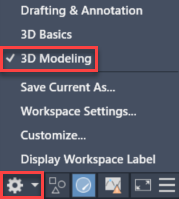
Before we start modelling, we need to change the workspace to “3D modeling” from the status bar at the bottom of the application. The ribbon will update to show 3D tools.
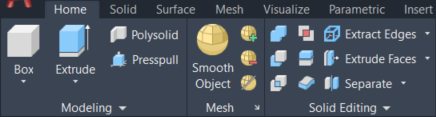
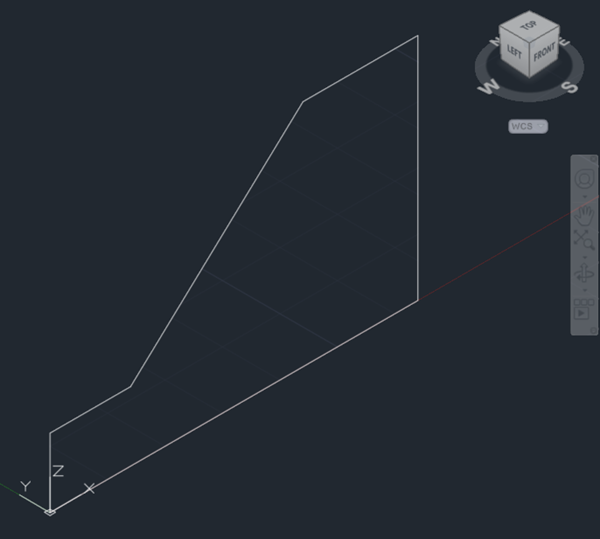
You can start by navigating to an isometric view by clicking on a corner of the view cube on the top right of model space. If you do not see the view cube, you can make it visible from the ‘View’ tab of the ribbon. Launch the 3DPOLY command to draw a closed 3D polyline in the front view (XZ plane). Starting on the origin and with ortho mode on (F8), start drawing as you would in a 2D view, keeping in mind that if you specify coordinates, you will need to provide them in all three axes.

Select the EXTRUDE command from the ‘Home’ tab of the AutoCAD ribbon, pick the 3D polyline from the previous step and then type 90 as the height of extrusion to create a 3D solid. You can control the visual style from the top left corner of model space.
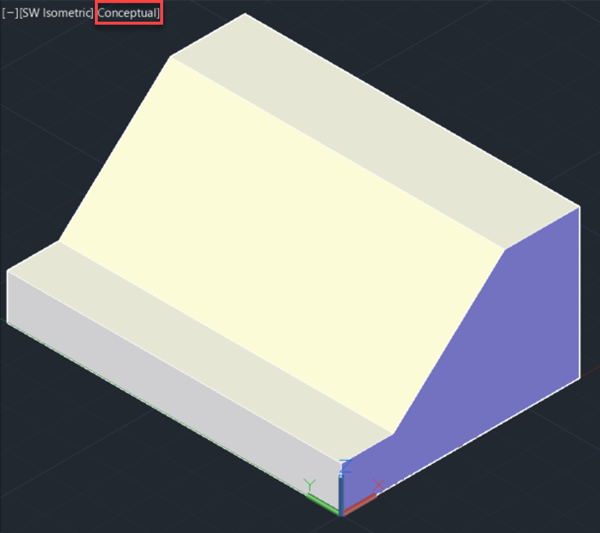
Draw a triangle using a closed 3D polyline as shown below and extrude it to the back of the shape. You may find the ‘Extension’ object snap useful to find the vertices of the triangle.
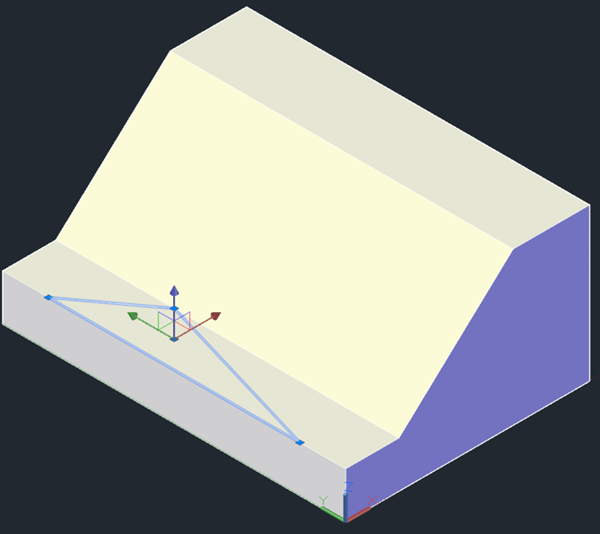
At this point, we have two independent solids that intersect. Pick the UNION command and then select them both to combine them into a single object.
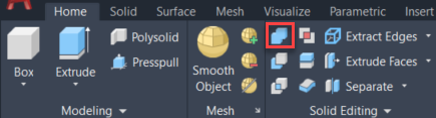
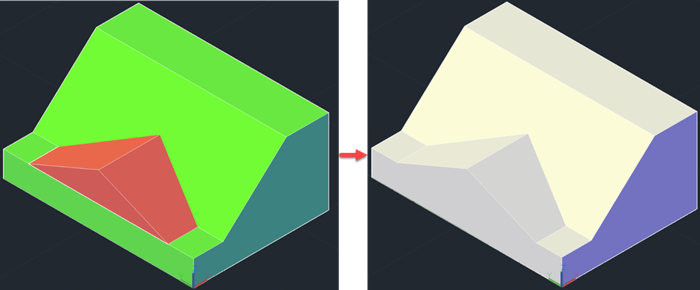
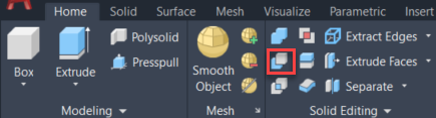
To finish the shape, draw a rectangle on the top face and extrude it to the base. Using the SUBTRACT tool, select the solid to subtract from first, press <Enter>, and then select the solid to subtract.
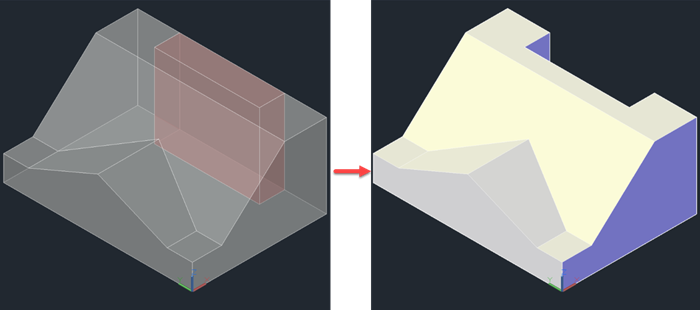
I hope you found this quick introduction to the 3D tools in AutoCAD useful. If you would like to learn more about this topic, you may want to consider our AutoCAD 3D Drawing and Modelling training course.
Please submit your enquiry here and a member of our team will get in touch.
Alternatively call 0345 370 1444
Ten years of BIM certification experience. Learn how ISO 19650 certification has matured, its business benefits, and when organisations are ready.

Digital transformation is reshaping the built environment, but successful change requires more than new technology. Discover how Symetri's approach to BIM, digital delivery and organisational change has earned four nominations at the 2026 Building Innovation Awards.
If you're new to Bluebeam Max or simply want to learn more about what it can do, we've gathered answers to the questions we're asked most often.